
The other day, news spread across countless media outlets and social networks about “Bitwarden being hacked“. In reality, there was a lot of headlines but not that much actual risk — attackers modified Bitwarden’s CLI (for about an hour and a half), which compromised users who downloaded Bitwarden CLI during that window (version 2026.4.0). Even so, the news spread like wildfire and, although I don’t personally use Bitwarden (I prefer storing passwords locally with KeePassXC), I did look into alternatives for when you need to share passwords among a team (a department, external staff, etc.). I thought it would be useful to put together a list of the best systems for this, ranging from the simplest and most straightforward to the most complete and complex.
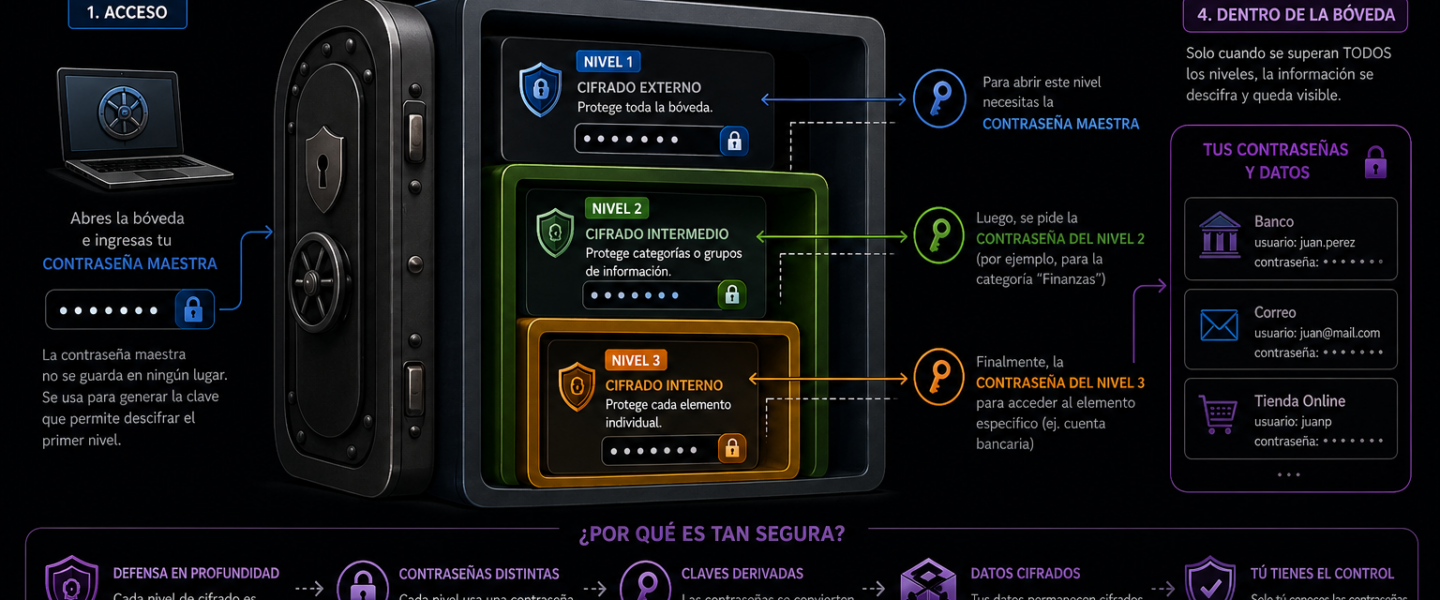
It’s worth noting that all the tools on this list are free software, and they protect passwords with multiple layers of encryption so that the password — or even its hash — is never exposed unless you already know other prerequisite passwords. This is what’s known as a vault (a password vault), where multiple keys are required to access the actual password storage, and even then, not all users can access all passwords — only those they have permission for.
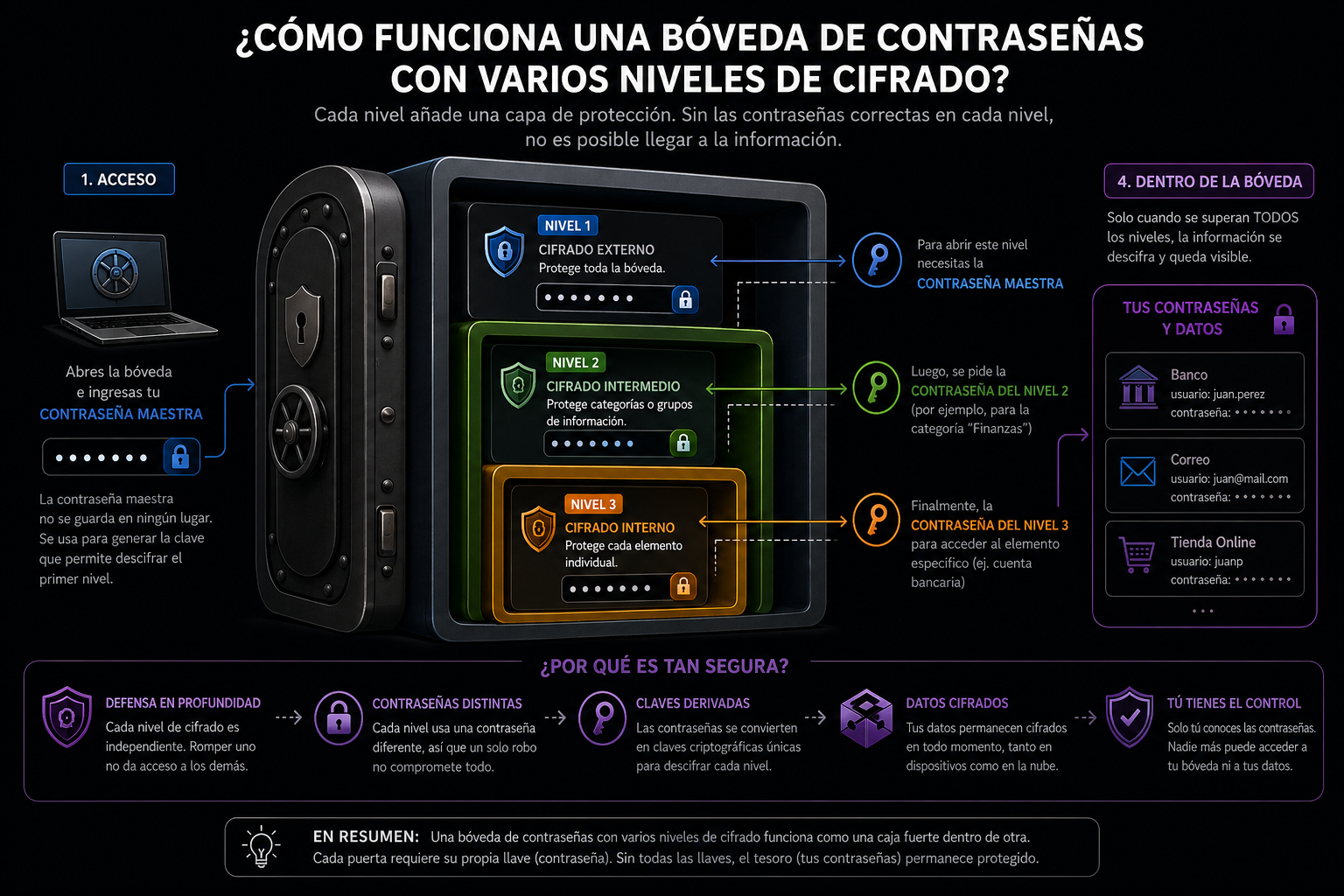
For work reasons (ISO27001 and related compliance), I’ve had to test several of these tools. While many companies use commercial systems where hosting is heavily secured on servers managed by the vendor (ensuring security, updates, and tamper-resistance are guaranteed by the provider you’re paying), many other companies prefer to store passwords locally (without Internet access, or with restricted access to the corporate network via VPN or similar). This comes with a risk: if a bug is discovered and exploited by an attacker — and you’re not on top of your systems to update quickly — the very system storing all your company’s passwords could be compromised. That makes it potentially very dangerous if you don’t act fast.
Below is a list of the most useful password vaults, ordered from simplest to most flexible and complex:
1. KeePassXC
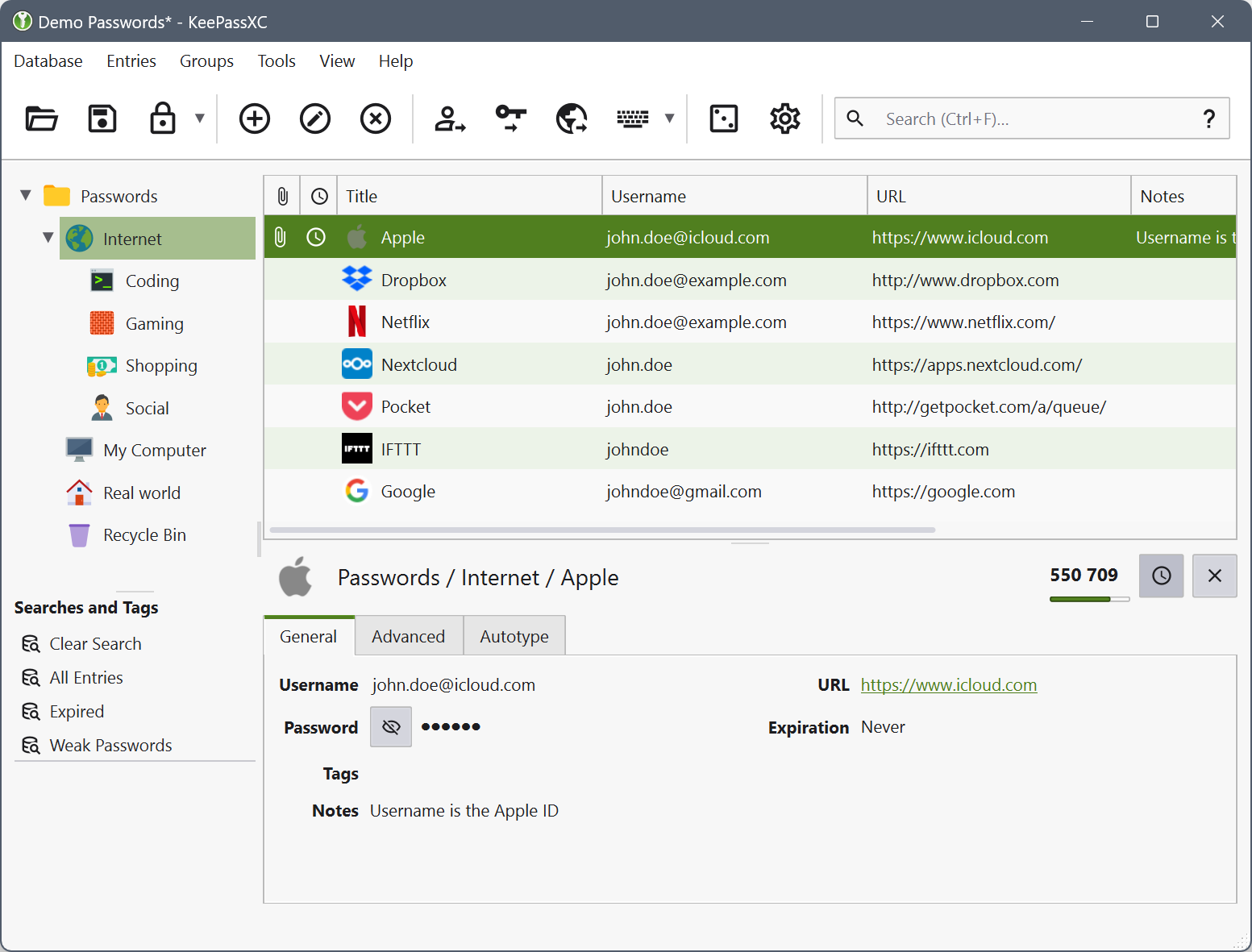
It integrates with browsers (Firefox, Chrome/Edge/Brave, KeePassXC-Browser) for quick password access by page, and with other apps like KeePassDX (Android), Strongbox/KeePassium (iOS), SSH agent, and universal Auto-Type.
2. Vaultwarden
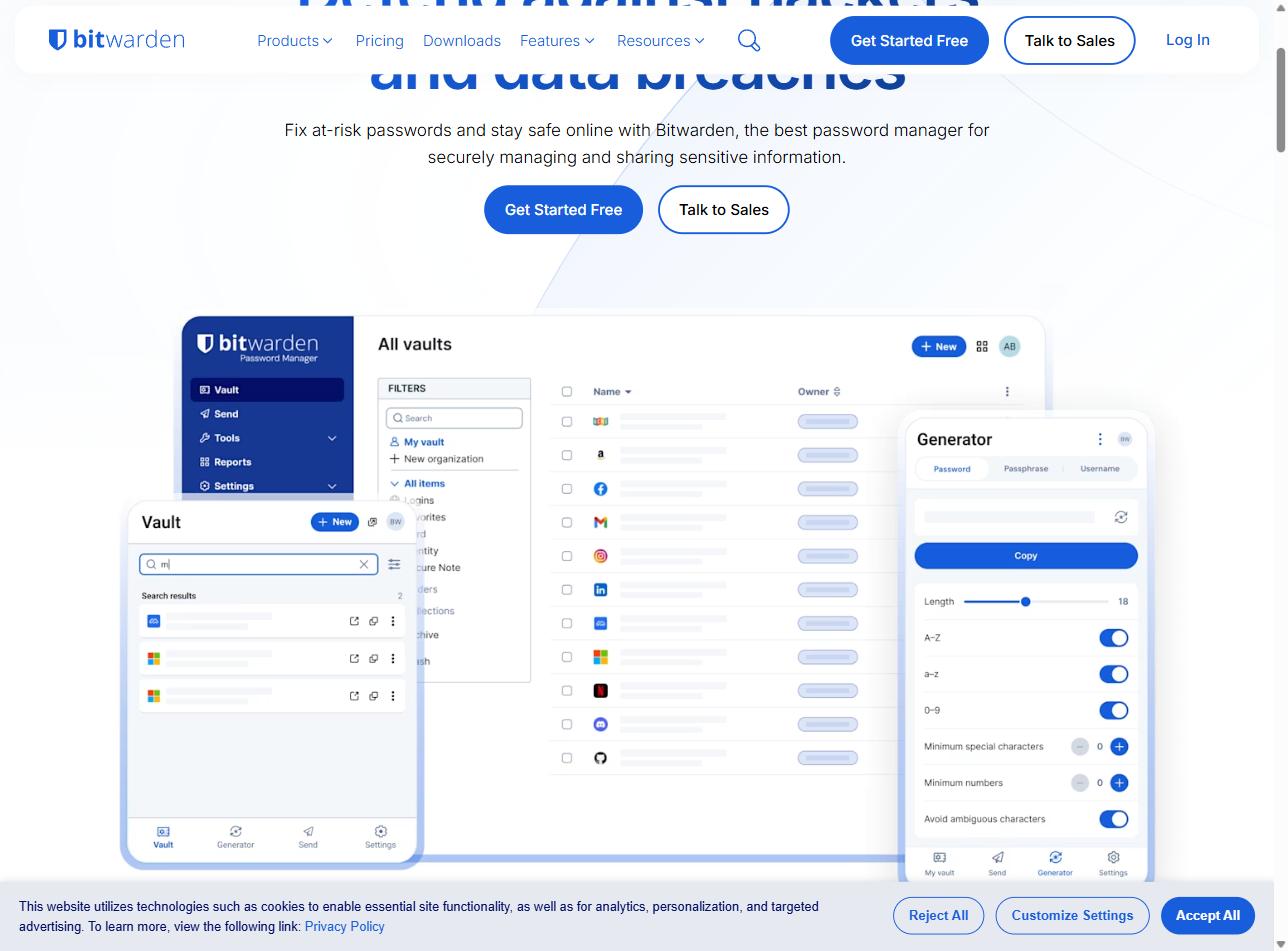
It integrates with official Bitwarden clients (web, desktop Windows/Mac/Linux, iOS, Android, CLI), browser extensions for Chrome/Firefox/Edge/Safari/Opera, the bw CLI for CI/CD pipelines, and SSO via proxy.
https://github.com/dani-garcia/vaultwarden
3. Padloc
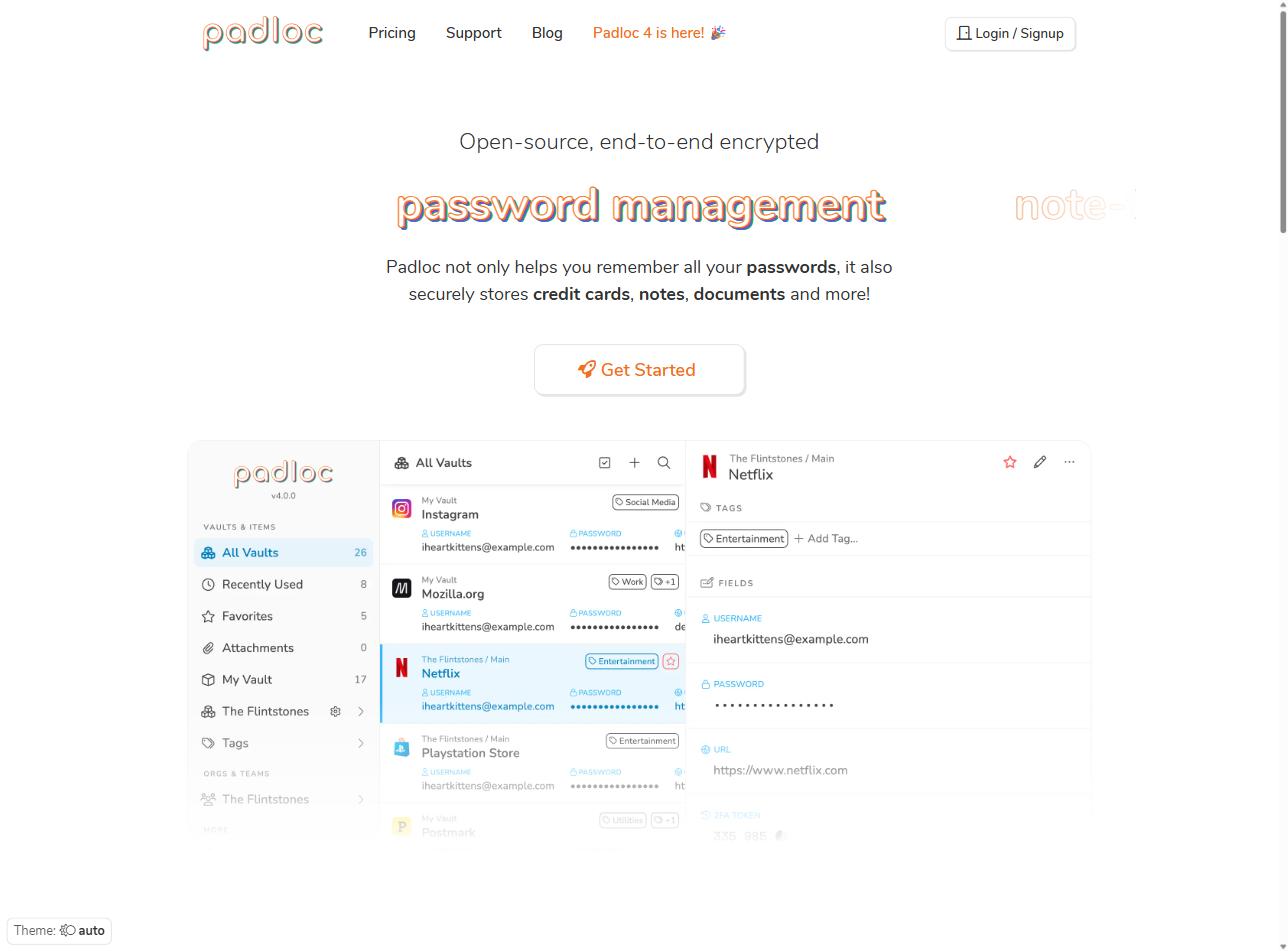
It integrates with web, Windows, macOS, Linux, iOS, and Android apps, a browser extension, its own API, WebAuthn/Passkeys, and built-in TOTP.
4. Bitwarden (official self-hosted)
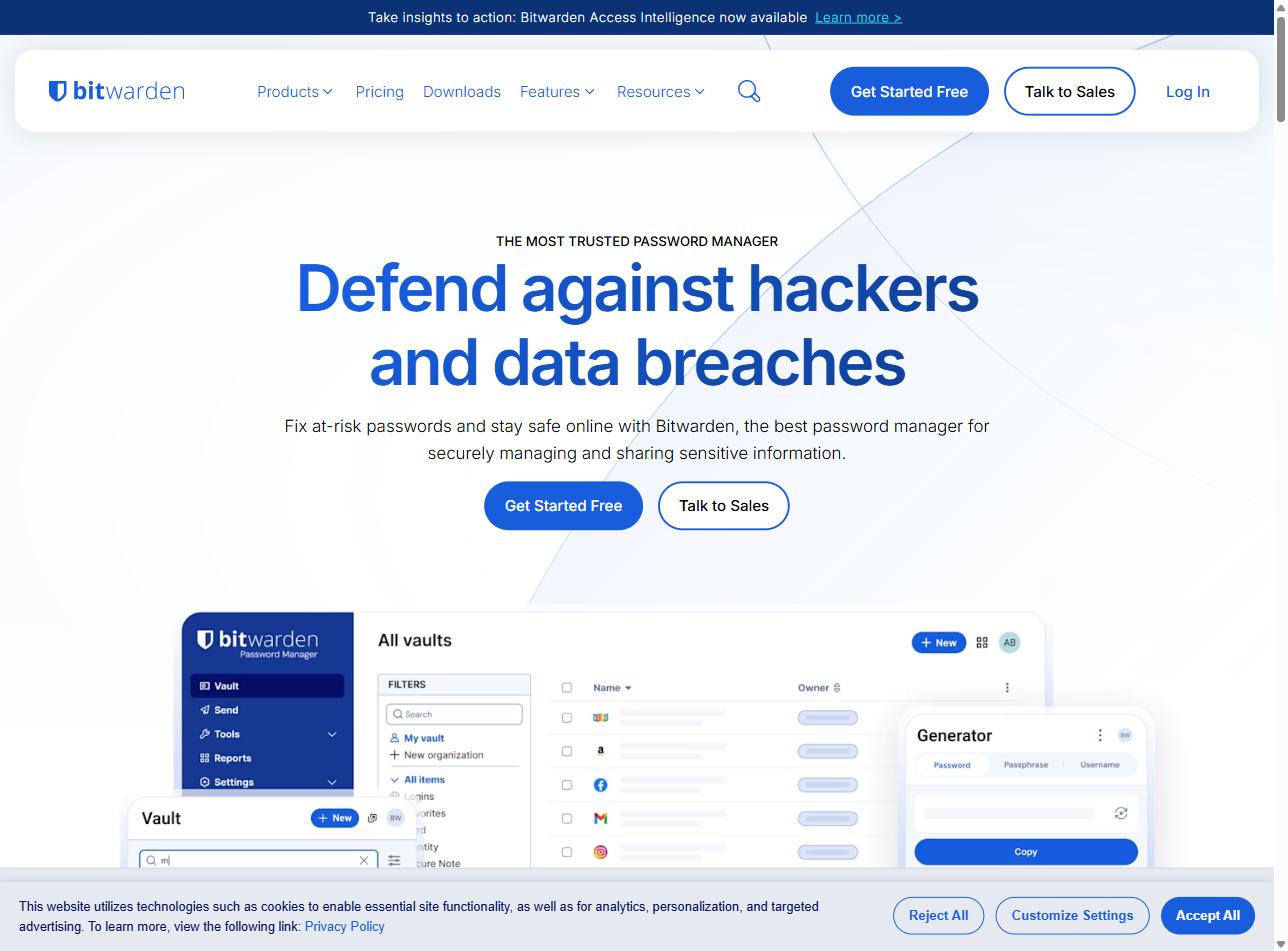
It integrates with SSO SAML/OIDC, SCIM, LDAP/AD, all official extensions and apps, the bw CLI, REST API, Directory Connector, and Splunk/Datadog integration for log auditing.
5. Passbolt Community Edition
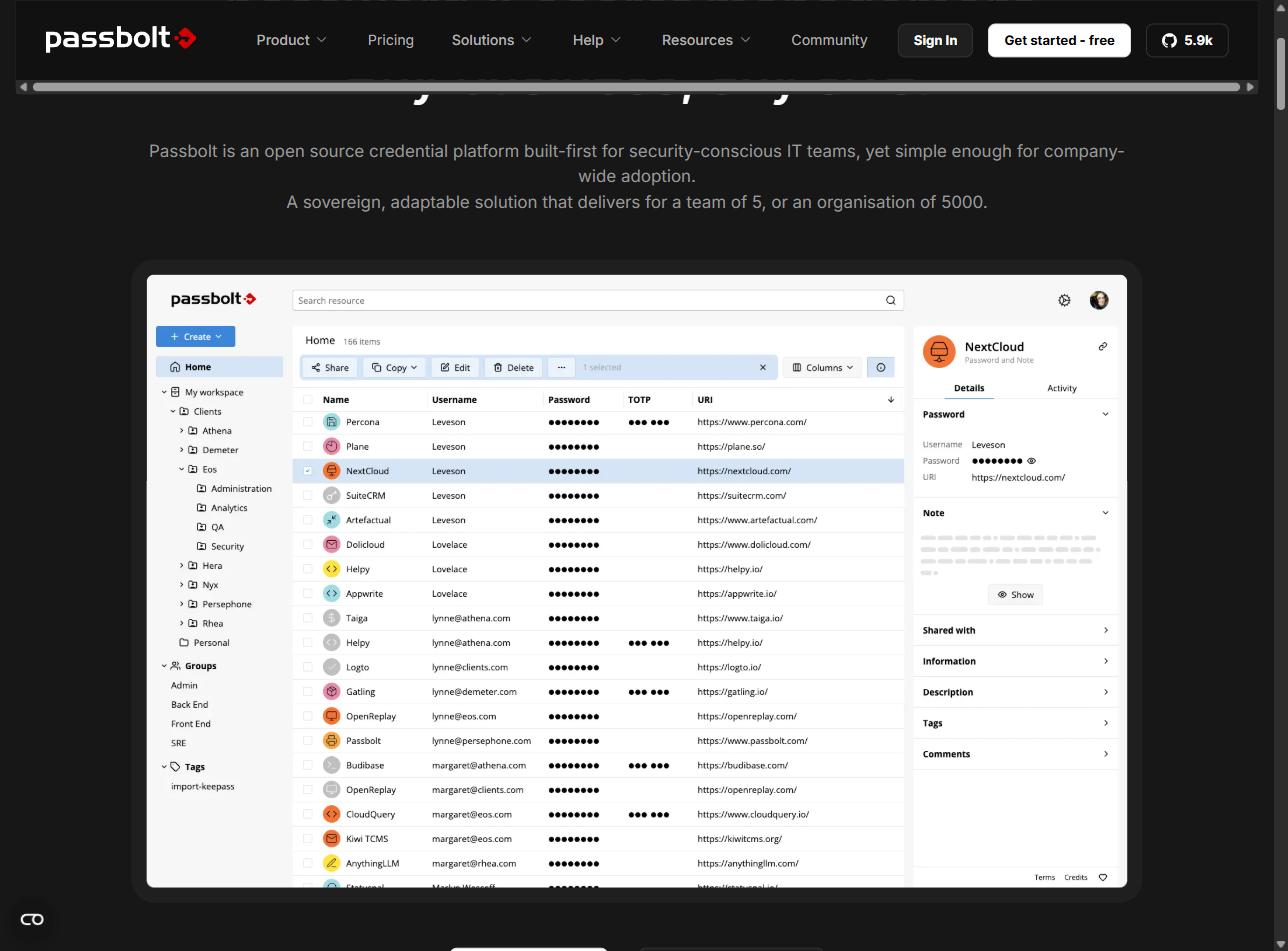
It integrates with browser extensions for Firefox, Chrome, Edge, and Brave; iOS and Android mobile apps; desktop Windows, Mac, and Linux; LDAP/AD; SSO with SAML/OIDC (Pro edition); REST API, JSON-RPC, go-passbolt CLI, Ansible, and Terraform provider.
6. Psono Community Edition
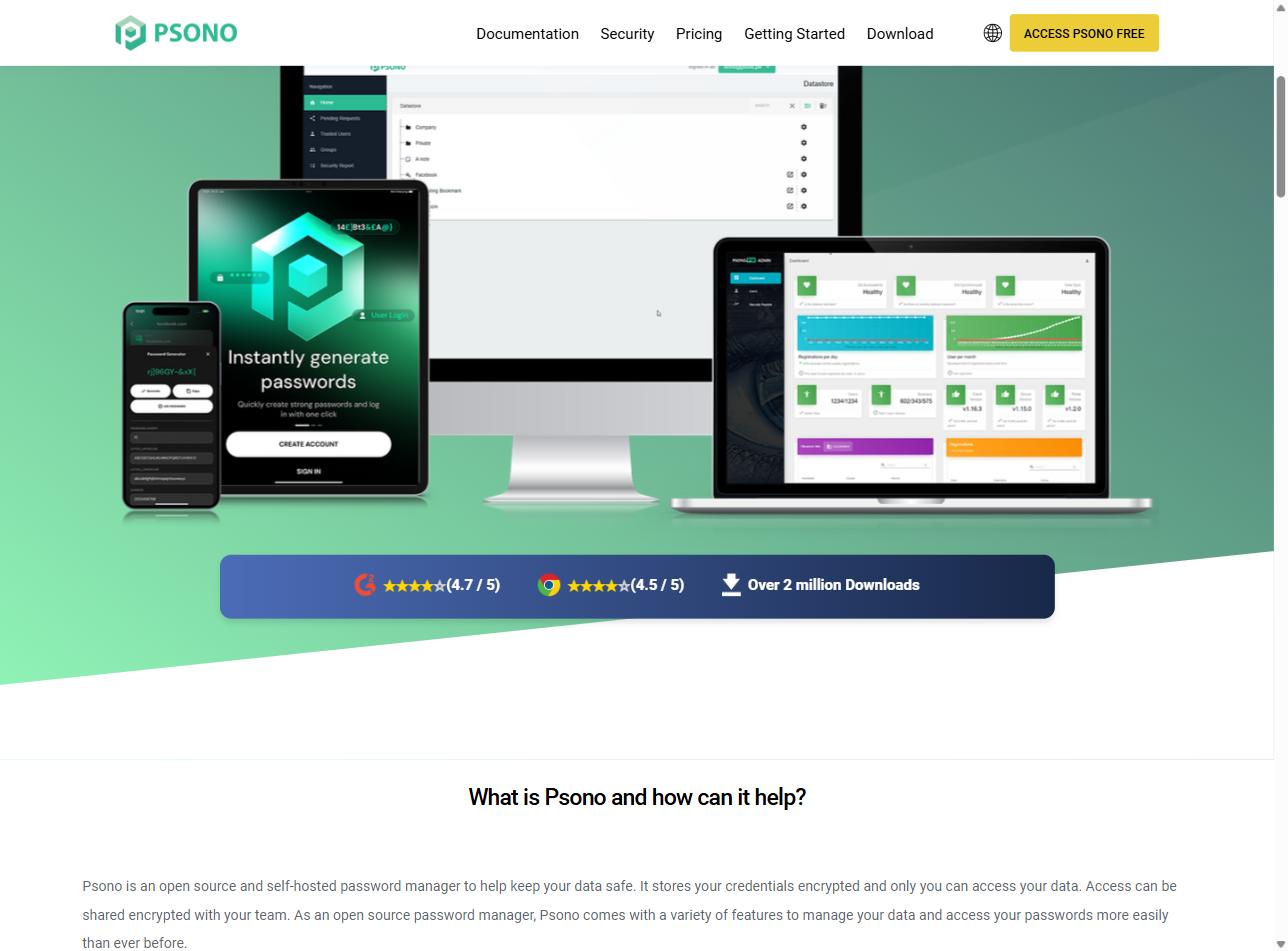
It integrates with browser extensions for Chrome, Firefox, Edge, Brave, Opera, and Vivaldi; Windows, macOS, Linux, iOS, and Android apps; CLI for CI/CD and automation; REST API; LDAP; SAML; OIDC; Duo; YubiKey; and webhooks.
7. Teampass
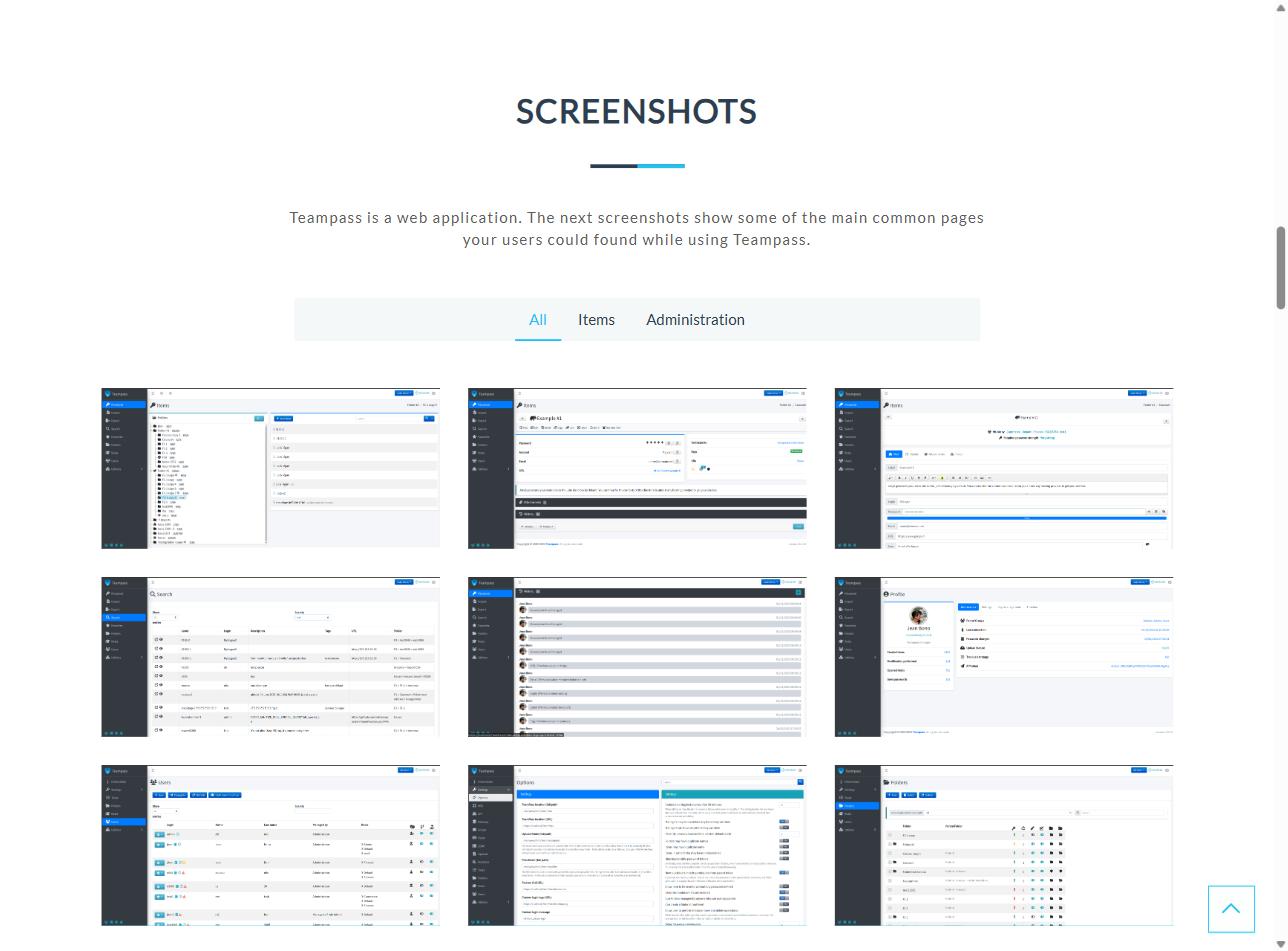
It integrates with Active Directory via LDAP and OAuth2, an official Chrome and Edge extension, a REST API, 2FA with DUO Security and Google Authenticator, and imports from KeePass and CSV.
8. Infisical
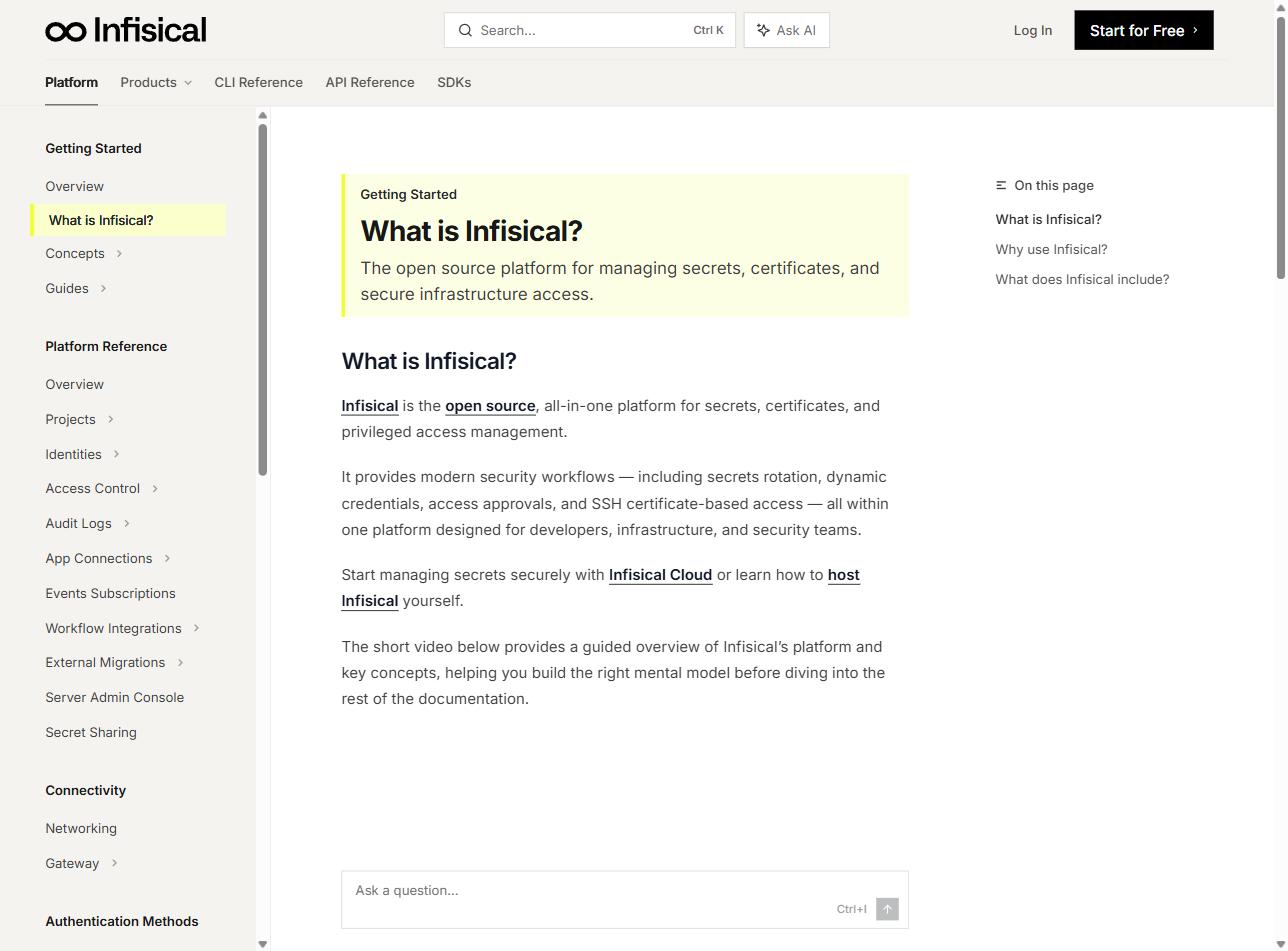
It integrates with the Kubernetes operator, Terraform, Ansible, GitHub Actions, GitLab CI, CircleCI, Jenkins, AWS/Azure/GCP, Vercel, Netlify, Docker, SDKs for Node, Python, Go, Java, .NET, Rust and Ruby, CLI, and OIDC/SAML SSO.
9. OpenBao
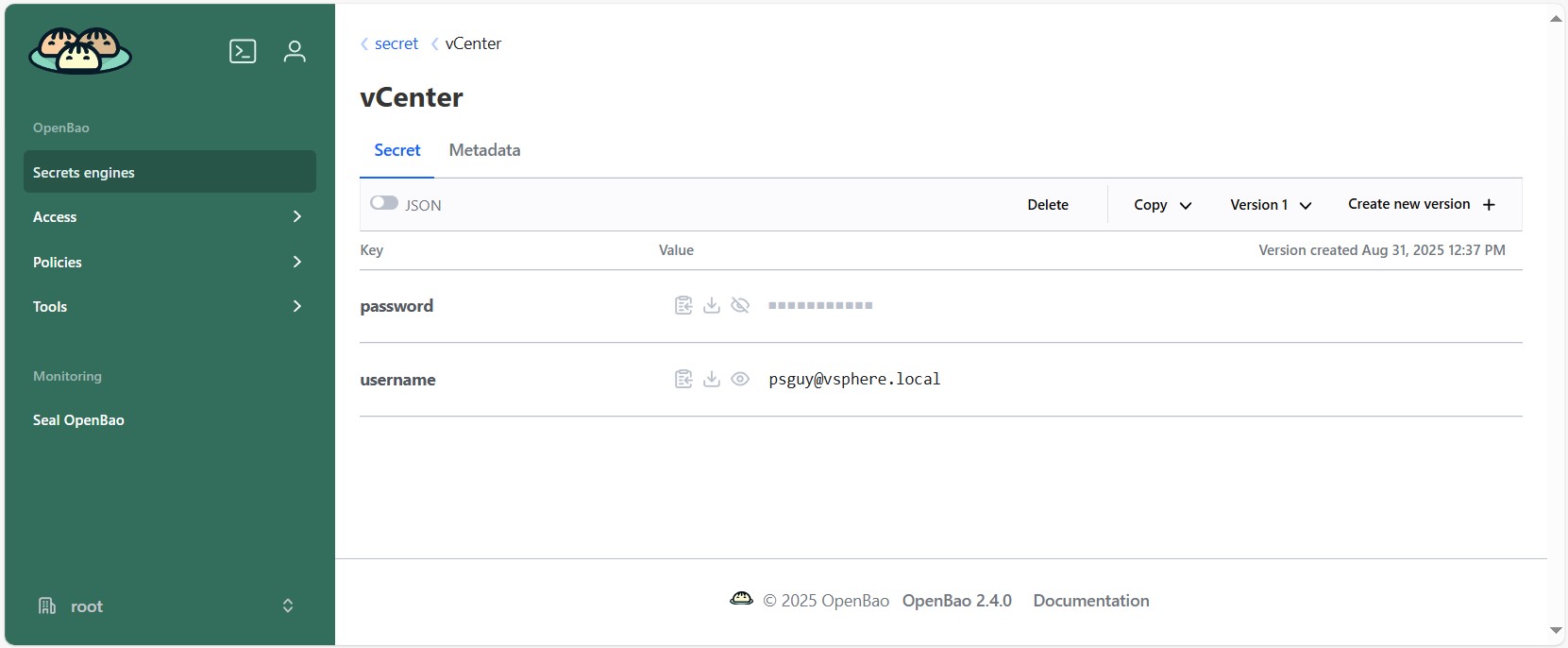
Compatible with most Vault plugins and SDKs: Kubernetes, Terraform, Ansible, AWS/Azure/GCP, Consul, dynamic secrets for MySQL and PostgreSQL, PKI, SSH CA, Transit; bao CLI compatible with vault commands.
10. CyberArk Conjur OSS
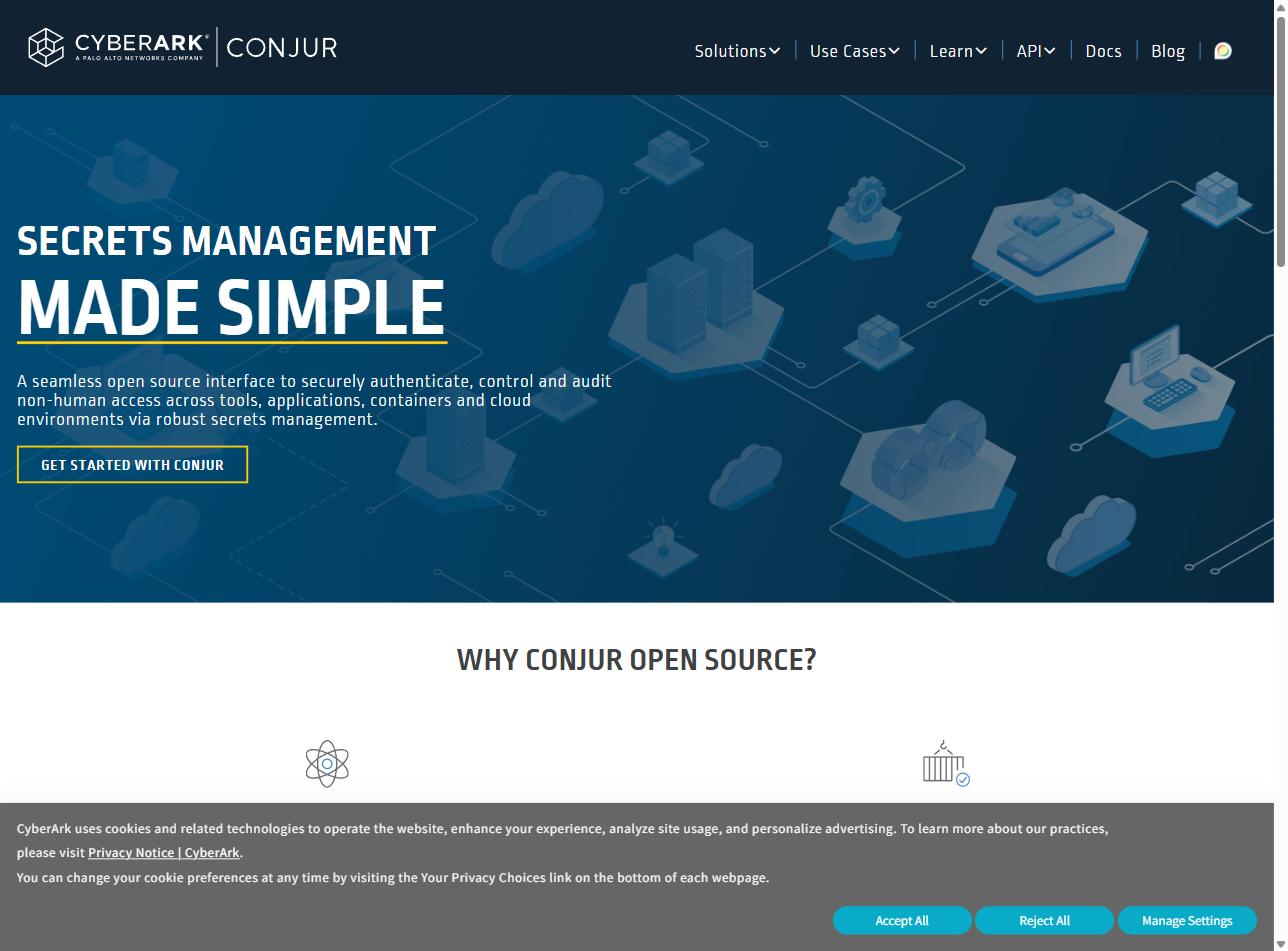
It integrates with Kubernetes (native authenticator), OpenShift, AWS IAM, Azure AD, GCP, Ansible, Jenkins, Terraform, Puppet, Chef, SDKs for Java, Ruby, Go, Python and .NET, Summon, and Secretless Broker.
Other interesting password vaults
In addition to these 10 — which are the best-known and most functional (it should be noted that certain features and integrations correspond to a paid version — even though the software is free/libre, they are not necessarily free of charge) — there are many other password vaults that are equally interesting and not included in the main list simply because they are less widely known:
Phase
- Description: Modern secrets manager, a young alternative to Infisical and Vault with a very polished UI and a DevOps focus. End-to-end encryption per environment (dev/staging/prod), native integration with K8s, GitHub Actions, Vercel, and Docker. The most “developer-friendly” in the secrets manager segment. Enterprise SAML/OIDC requires a license.
- Website: https://phase.dev
Padloc
- Description: Password manager with the cleanest UI in the batch, designed for small teams and families who reject Bitwarden for aesthetic reasons. Self-hosting with Docker Compose, E2E encryption. Perfect if UX is the priority over enterprise features.
- Website: https://padloc.app
AliasVault
- Description: A different concept: a privacy-first password manager with an integrated email server, end-to-end encryption, and fully self-hostable, which generates alternative identities (name, email, password) for each website. AGPL-3.0, .NET + Blazor WebAssembly, Docker installation in minutes. No LDAP/SSO yet, but actively in development and brings something unique compared to the rest.
- Website: https://www.aliasvault.net
PasswordStore
- Description: The Unix standard. Each password is a
.gpgfile encrypted with your GPG key, organized in a directory tree and versioned with Git. Sharing = adding someone else’s public GPG key to a folder’s.gpg-idfile — those are effectively your “groups”. 2FA withpass-otp. Zero server, zero database, maximum auditability. Steep learning curve but fits technical profiles perfectly. Clients available for everything (browserpass, qtpass, Android, iOS). - Website: https://www.passwordstore.org
LessPass
- Description: Stateless paradigm: it doesn’t sync an encrypted vault — you remember a master password and LessPass regenerates each password locally using a hash of domain + login + master, without needing sync. There’s no database to compromise because there is no database. Self-hostable as an optional server to sync non-sensitive metadata. Useful as a complement to a “normal” manager, not as a replacement, but philosophically interesting for algorithmically generated credentials.
- Website: https://www.lesspass.com






Join the Sinologic community
Create your free account and join the conversations about VoIP, Asterisk, Kamailio and IP telephony.
Any questions? Ask here
The best articles are born from good discussions.